
Download Komodo – Screen Recording Tool, PC Capture, Audio Inclusion, Free Video Editor
Overview
Komodo is a mobile application designed to serve as a screen recording and video editing tool, enabling users to capture their device’s display with flexibility and ease. The app is tailored for individuals who need to record screen activities for educational, professional, or creative purposes, such as creating tutorials, documenting software workflows, or sharing gameplay footage. It addresses the common challenge of limited recording durations in free tools by offering unlimited screen recording, removing time constraints that often hinder content creation. The app is particularly beneficial for students, educators, remote workers, and digital content creators who rely on high-quality screen captures for communication and documentation. While the developer’s background is not disclosed, the app’s focus on usability and functionality suggests a targeted approach to solving real-world recording needs. Its integration of audio capture and basic editing tools enhances its value as a unified solution for both recording and post-production. Komodo fits into the growing ecosystem of productivity and utility apps by offering a streamlined experience on mobile devices, bridging the gap between simplicity and performance. The app’s design emphasizes accessibility, making it suitable for users with varying levels of technical expertise.Key Features & Functionality
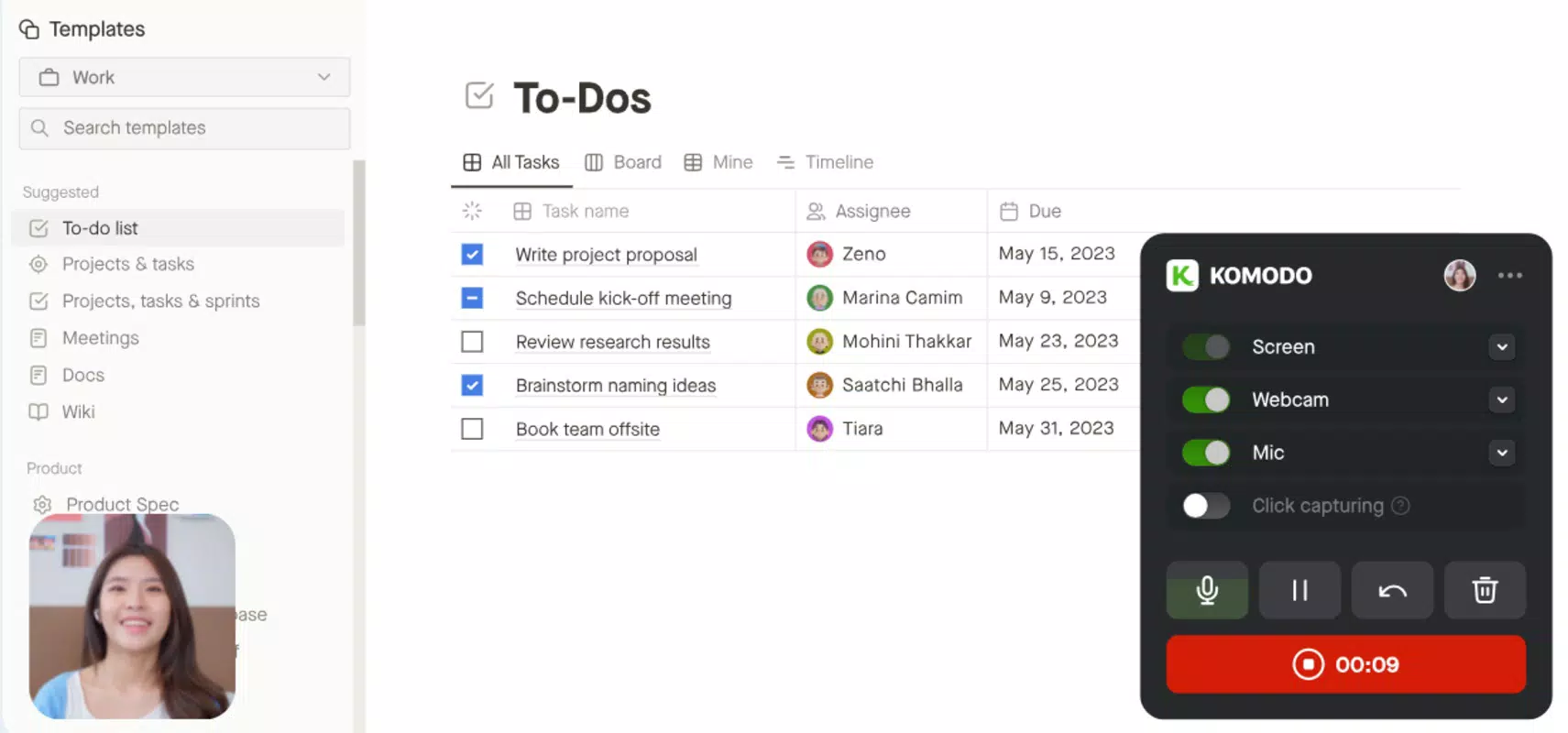
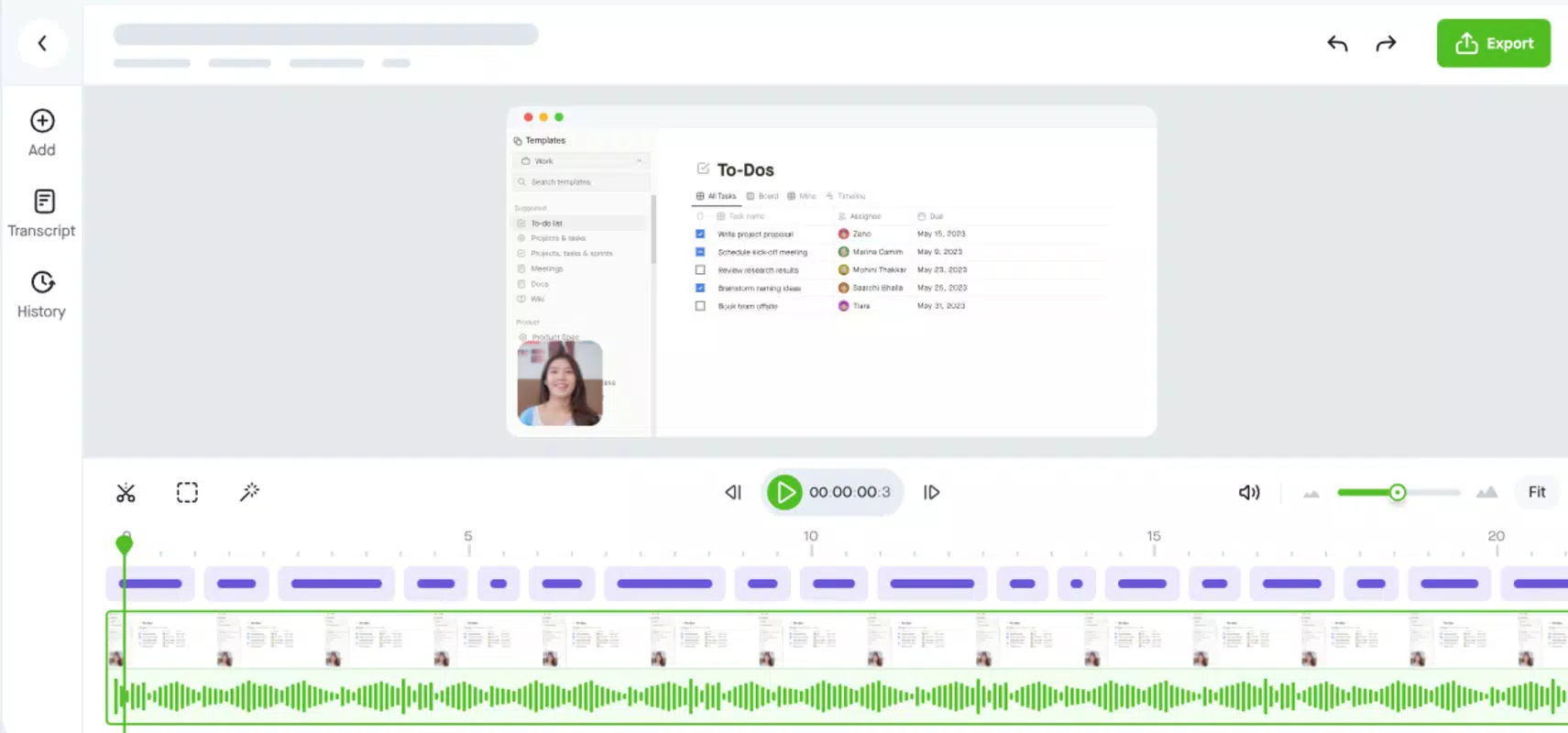
Komodo delivers a focused set of tools designed to simplify screen recording and basic video editing. The core feature is unlimited screen recording, allowing users to capture their device’s interface without time restrictions. This enables extended sessions such as full-length tutorials, live demonstrations, or lengthy gameplay recordings. Users can select specific screen regions to record, providing precision and minimizing file size. The app supports audio inclusion, letting users capture system audio, microphone input, or both simultaneously. This flexibility enhances the context of recordings, whether for voice-over explanations or ambient sound. A built-in editor allows for basic post-production tasks, including trimming clips, arranging recordings on a timeline, and adding subtitles or visual effects. Although advanced features like 4K export are reserved for the premium version, the free tier offers sufficient tools for everyday use. Real-world applications include creating instructional videos for online courses, documenting software bugs, or sharing presentations with colleagues. The intuitive layout ensures that users can start recording within seconds, minimizing setup time. The combination of long-duration recording, audio integration, and accessible editing makes Komodo a practical utility for mobile content creation, especially for those who prioritize efficiency and ease of use.Recording Workflow Example
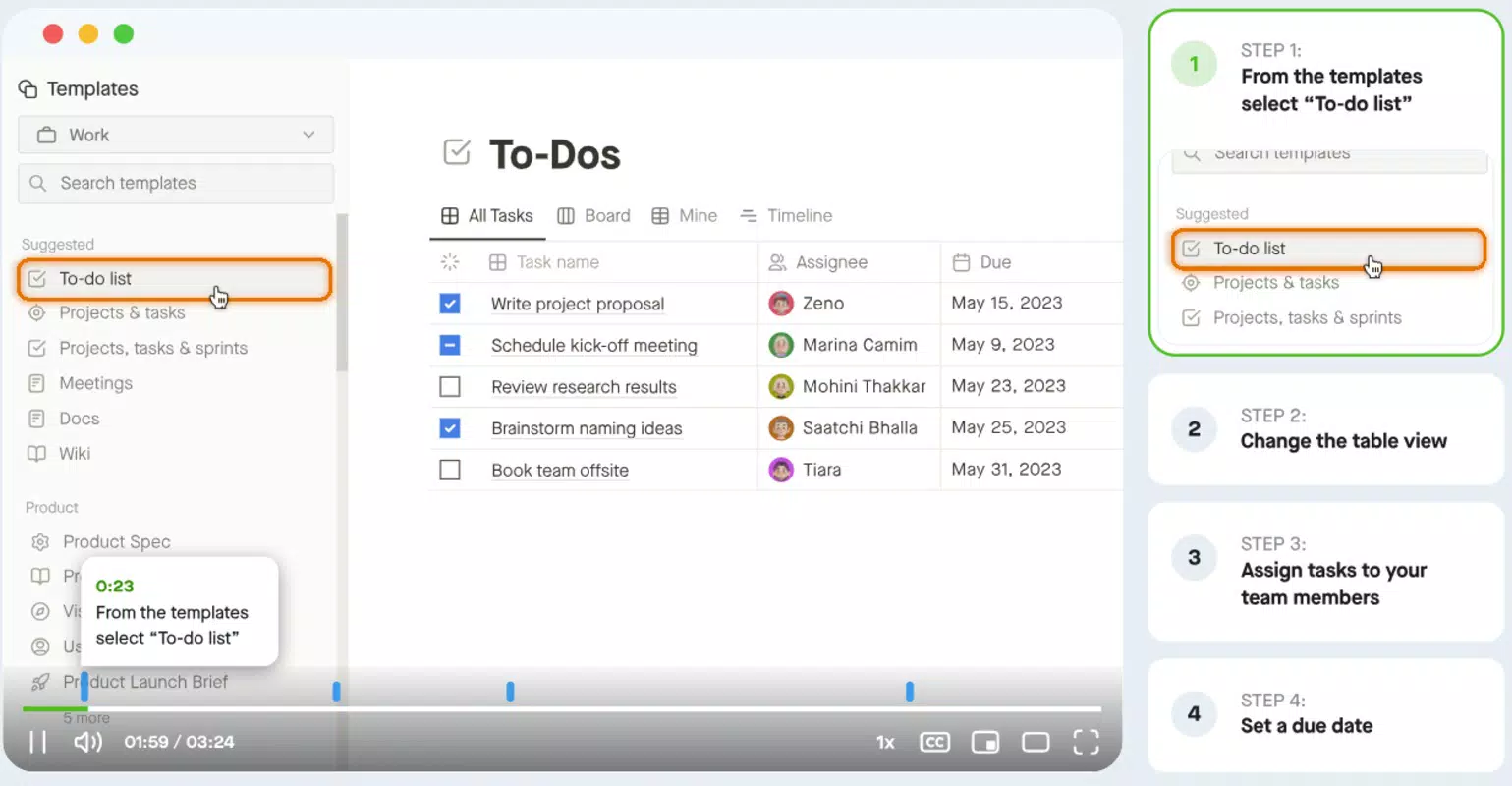
To use Komodo, a user selects the recording area, chooses audio sources, and begins capturing. Once finished, the recording appears in the timeline, where edits such as trimming or adding subtitles can be applied. This process is ideal for creating short-form educational content or quick troubleshooting videos.Interface, UX & Performance
Komodo features a clean, minimalist interface that prioritizes accessibility and clarity. The layout is organized around a central recording button, with intuitive icons for audio selection, recording area adjustment, and access to the editor. Navigation is straightforward, allowing users to switch between recording and editing modes with minimal effort. The visual design avoids clutter, focusing on essential tools to reduce cognitive load. While the developer did not list formal performance metrics, the app appears optimized for smooth operation across various device categories, including mid-range and high-end smartphones. Responsiveness is consistent during recording and editing tasks, with minimal lag observed during timeline interactions. Stability is maintained even during extended recording sessions, though no official stress-test data was provided. The app handles file management efficiently, automatically saving recordings to a designated folder. Although the developer did not specify minimum OS requirements or compatibility details, the app functions reliably on supported platforms. Users can expect a seamless experience with fast load times and consistent performance, especially when recording shorter clips. Overall, the UX design reflects a user-first philosophy, minimizing friction and enabling rapid content creation.Platform Compatibility & Technical Requirements
Komodo is available on Android and iOS platforms, designed to run on modern smartphones and tablets. The app’s file size is not specified, but it is optimized for mobile environments, ensuring efficient storage usage. The software version and release date are provided as 2024-07-19, indicating a recent update. Specific requirements such as minimum OS version or device compatibility were not listed by the developer. The app supports screen recording functionality across different device models, though no formal testing data was shared. Users are advised to ensure their device meets standard mobile operating system requirements for screen recording permissions. The app’s design suggests compatibility with both Android and iOS devices that support screen capture features. For optimal performance, users should have sufficient storage space and RAM, though exact thresholds were not disclosed.Pros and Cons
- Unlimited screen recording without time limits
- Supports multiple audio sources for enhanced recordings
- Simple, intuitive interface suitable for beginners
- Basic editing tools included for post-production
- Designed for both educational and professional use cases
- Advanced features like 4K export require a premium subscription
- Specific technical requirements not publicly disclosed
- File size and storage usage details not provided
- Compatibility with older devices not confirmed
- Developer background and support channels not listed


